
Help shape the new launcher
Try it out and tell us what you think.
- RebuiltBuilt from the ground up for speed
- PreviewOpen to everyone. Try it and share feedback.You’re here
- Stable releasePolished with your feedback
[01] Cold start 5.47s
New launcher Fast from the first click.
It opens faster, switches tabs almost instantly, and keeps your recent games one click away. Less waiting, more playing.
1.8x faster startup than Steam*
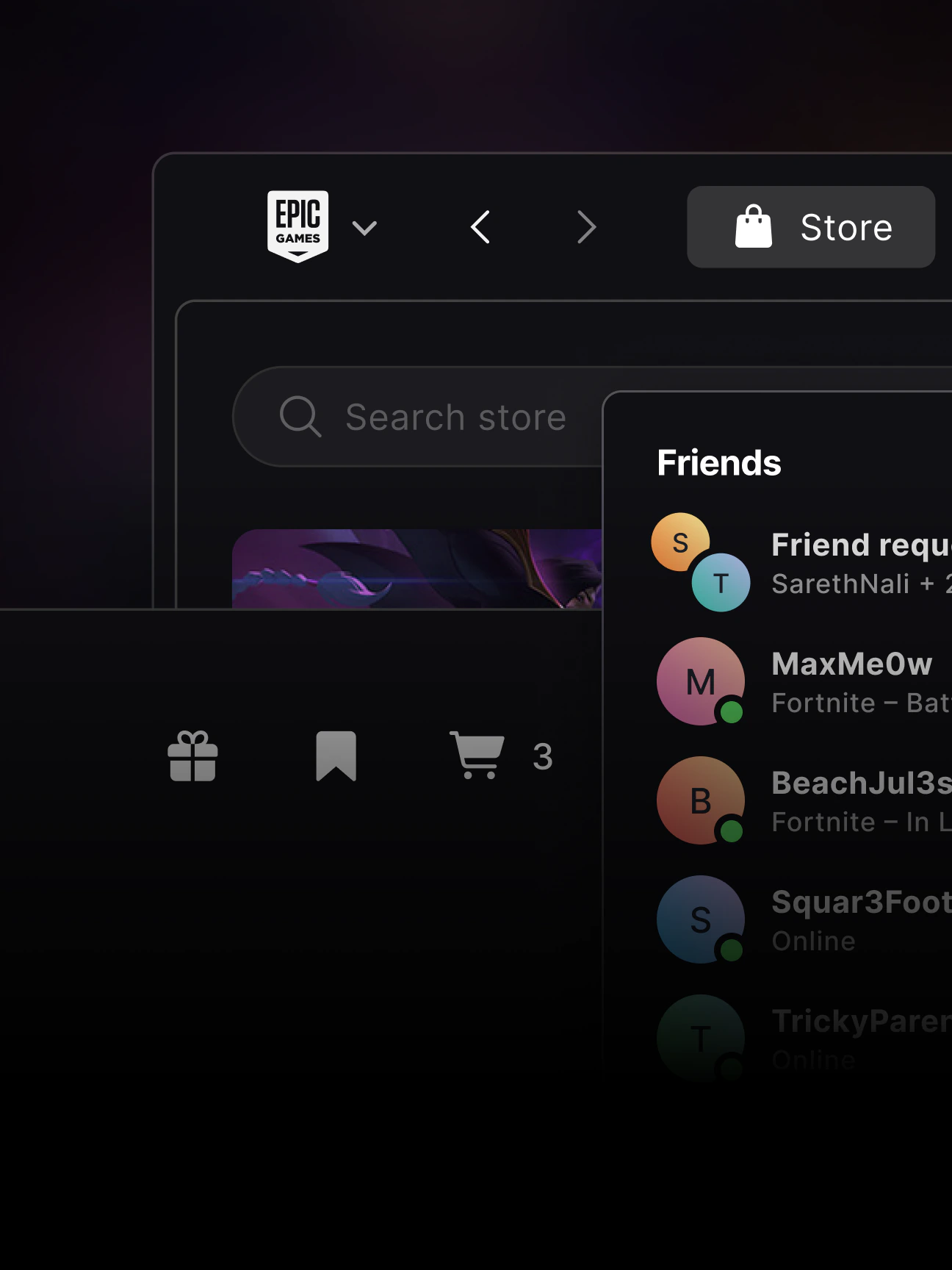
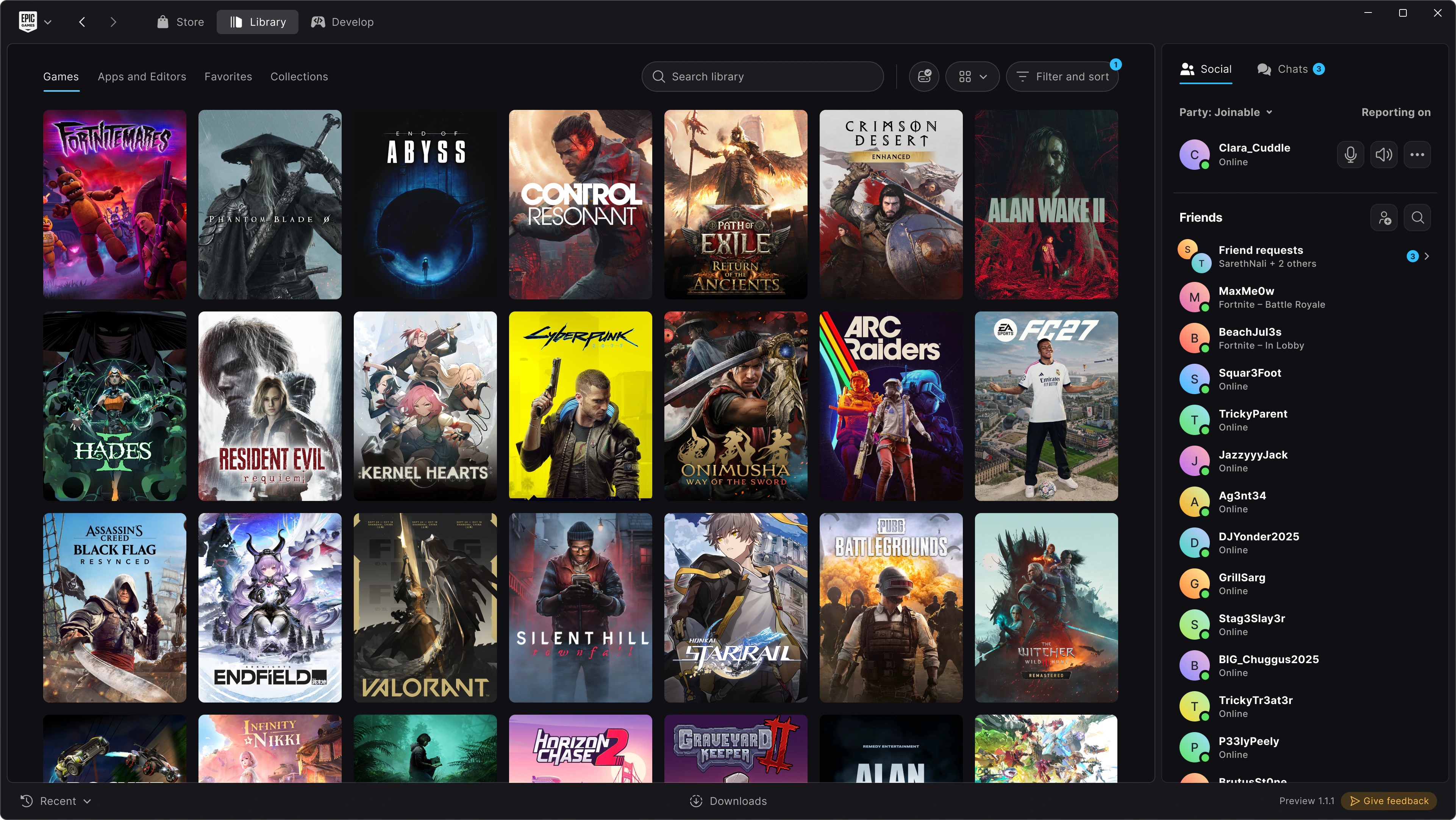
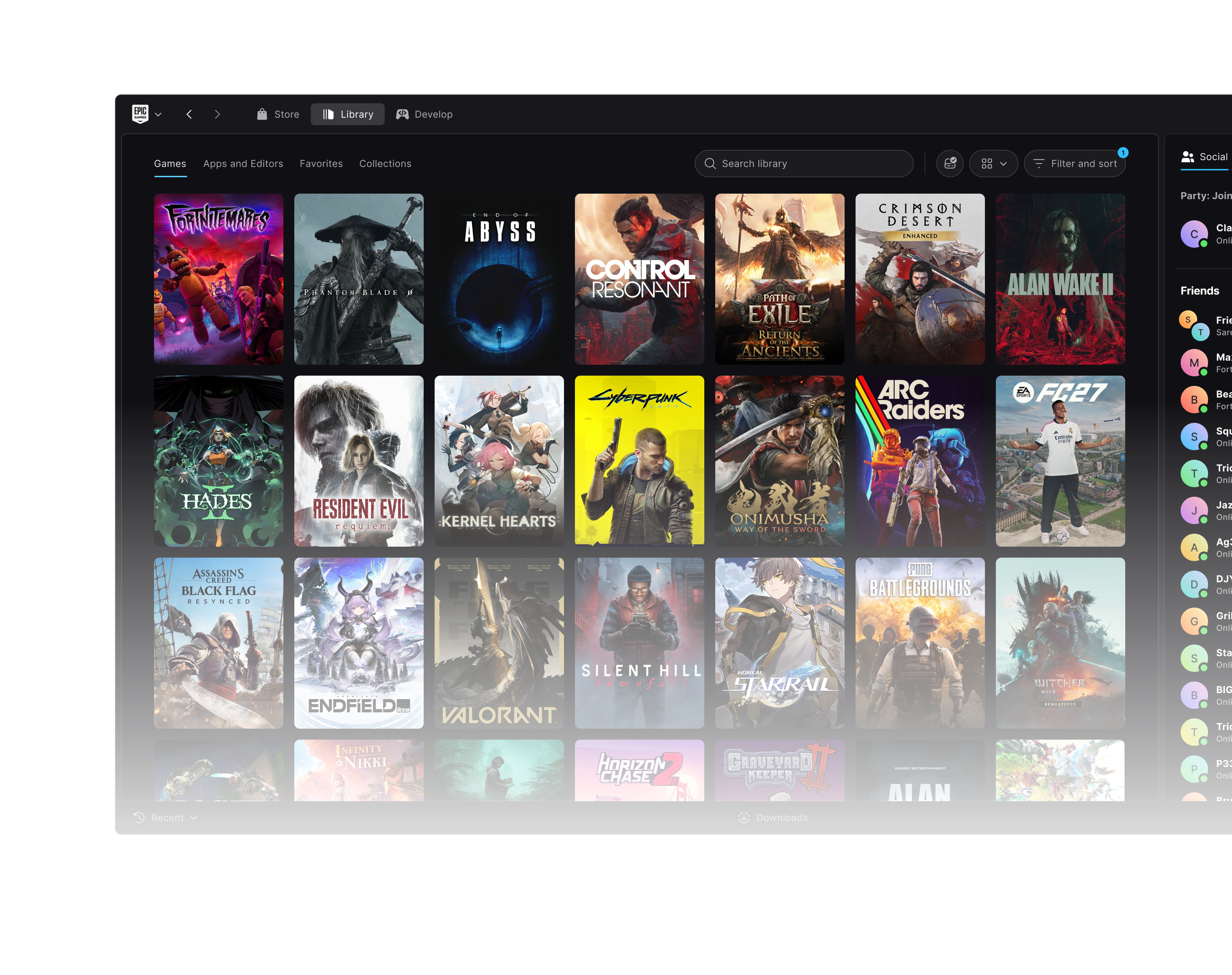
A cleaner framework
One simple frame for Store, Library, and Develop. More room for games.
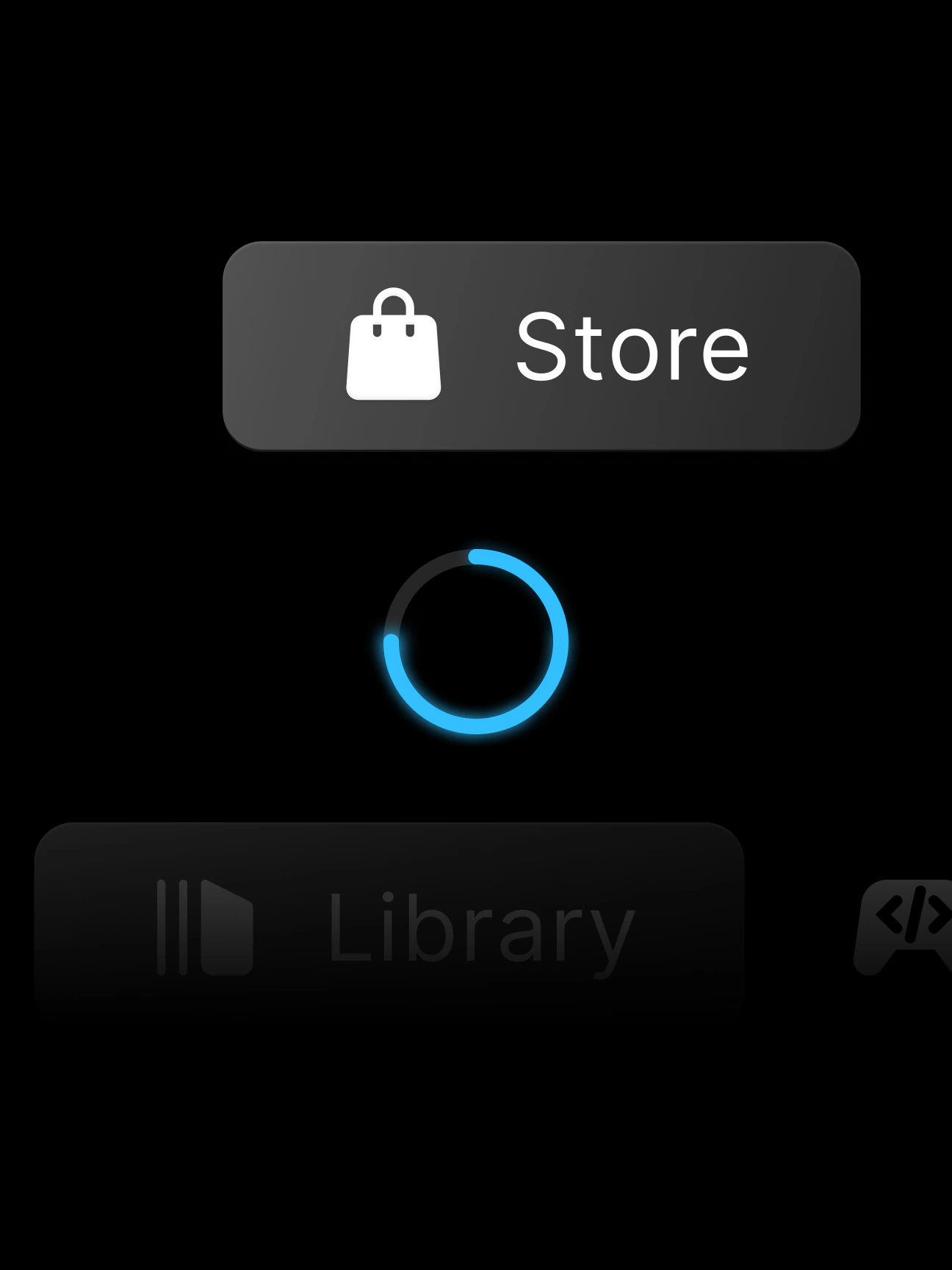
Faster startup and switching
Starts up fast and opens the Store 3x faster than Steam.*
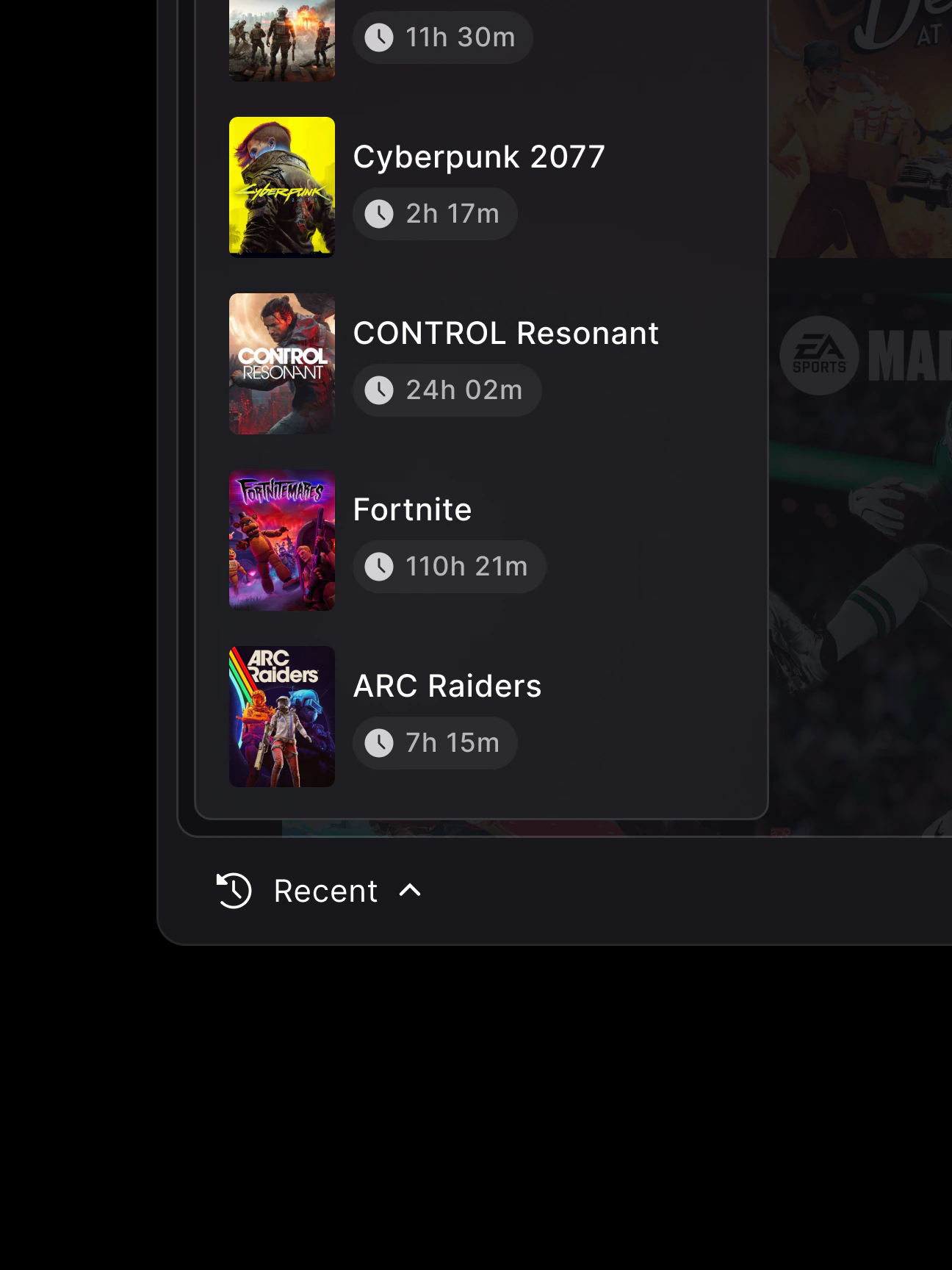
Recent games, easily available
Jump back into your recent games from anywhere in the launcher.
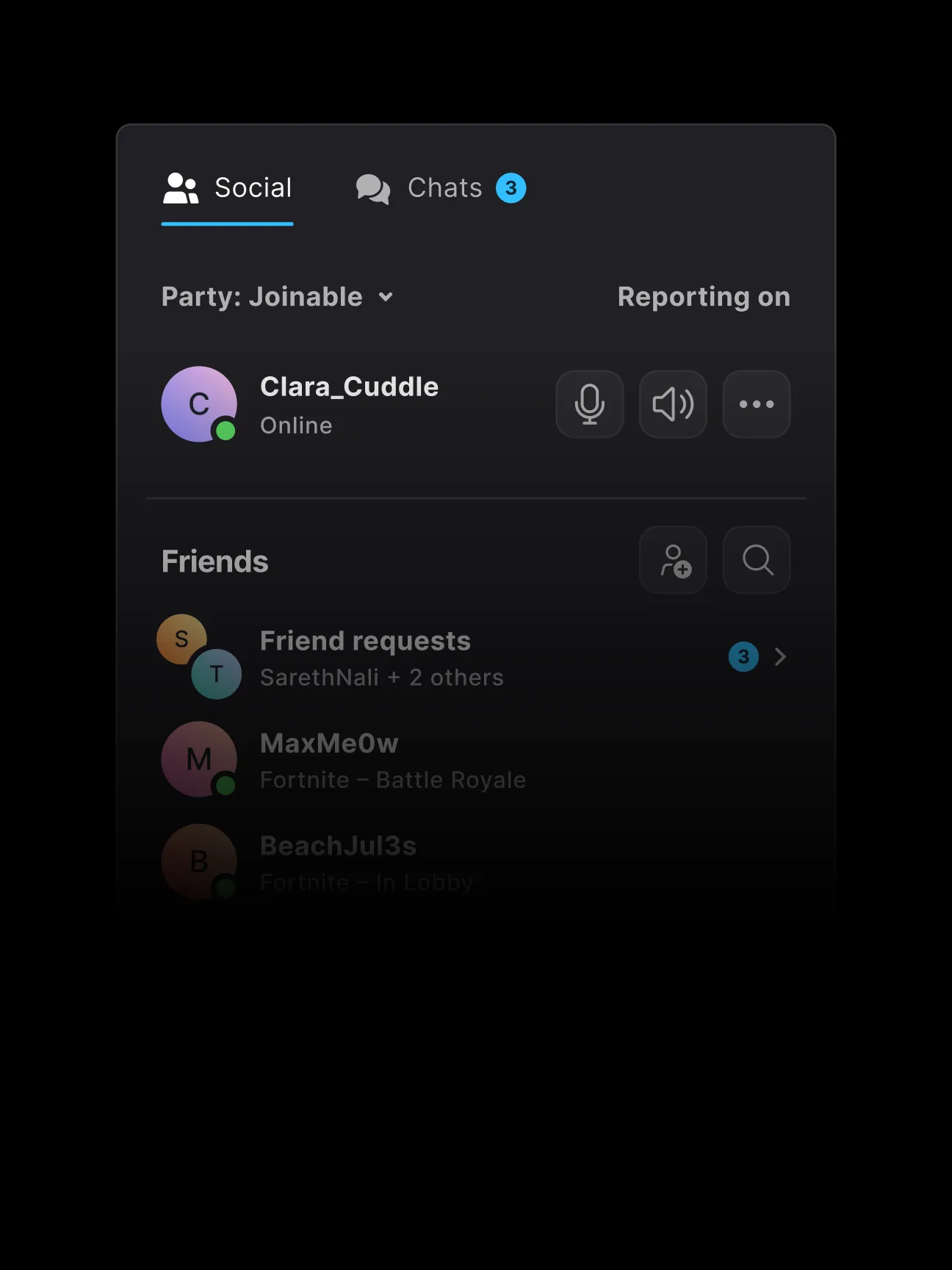
A more integrated social experience
Start parties and chat with your friends directly in the new launcher.
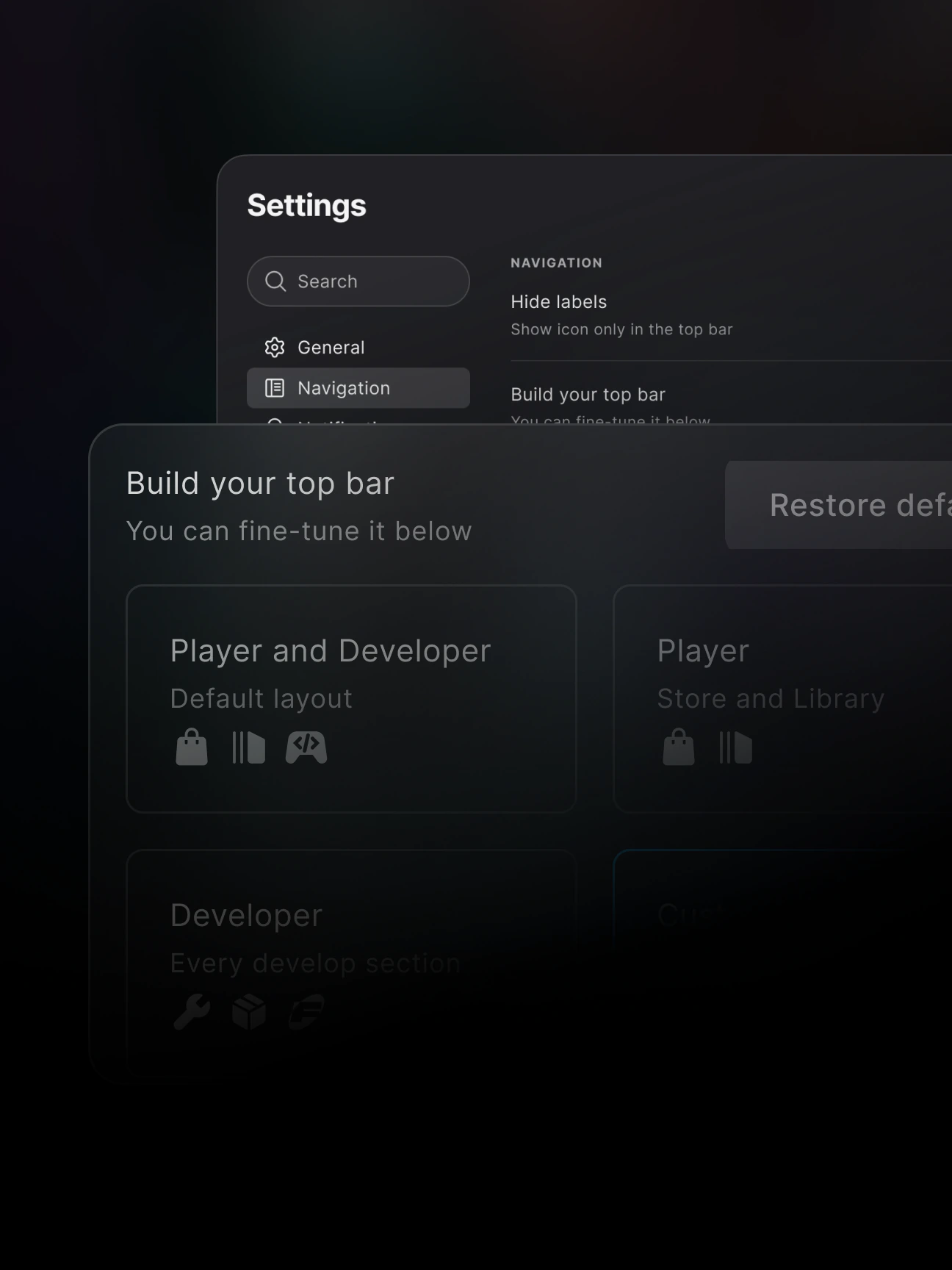
Customize your top bar
Add your favorite games and apps, or pick a ready-made layout.

[02] Background → Library 0.36s
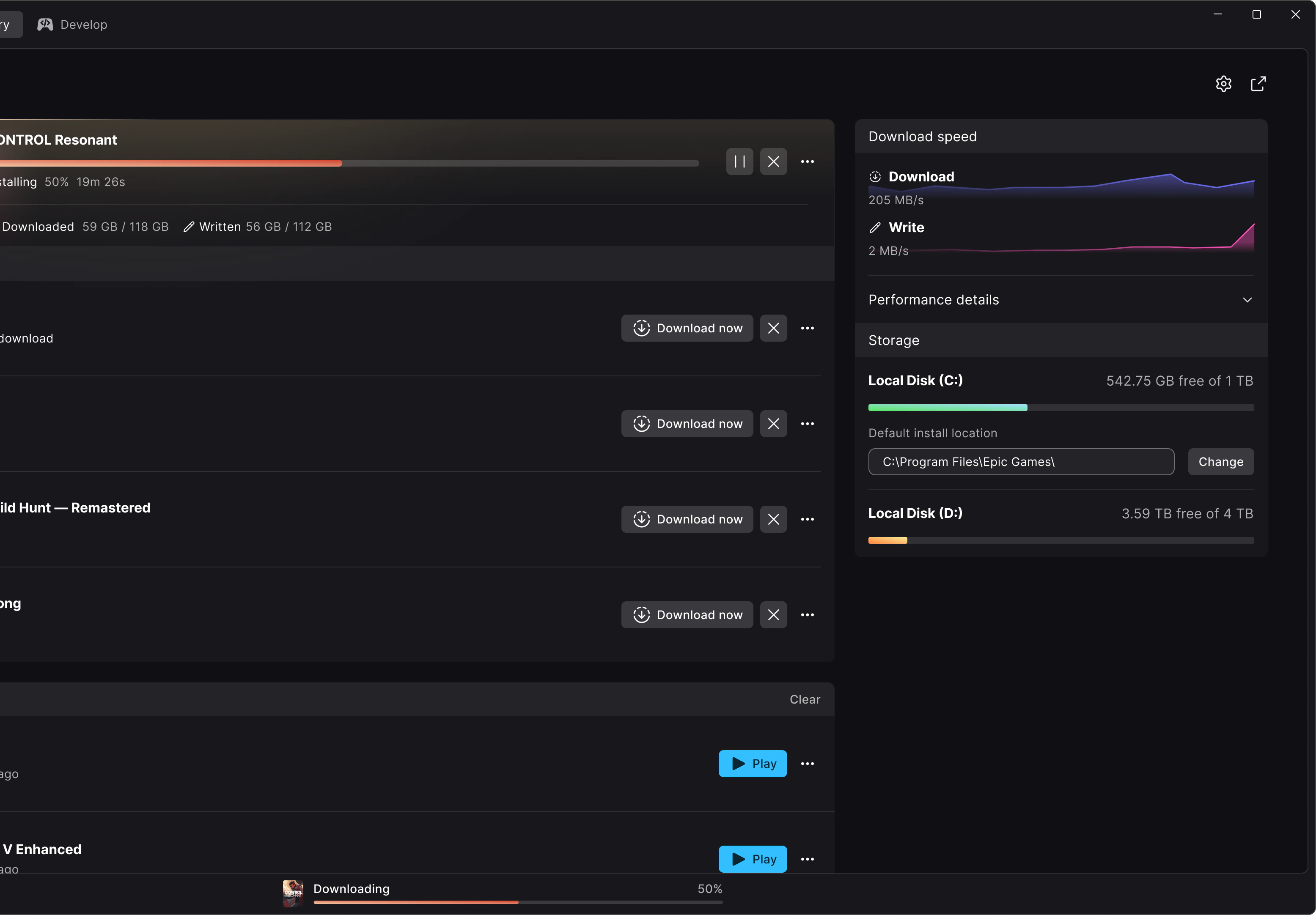
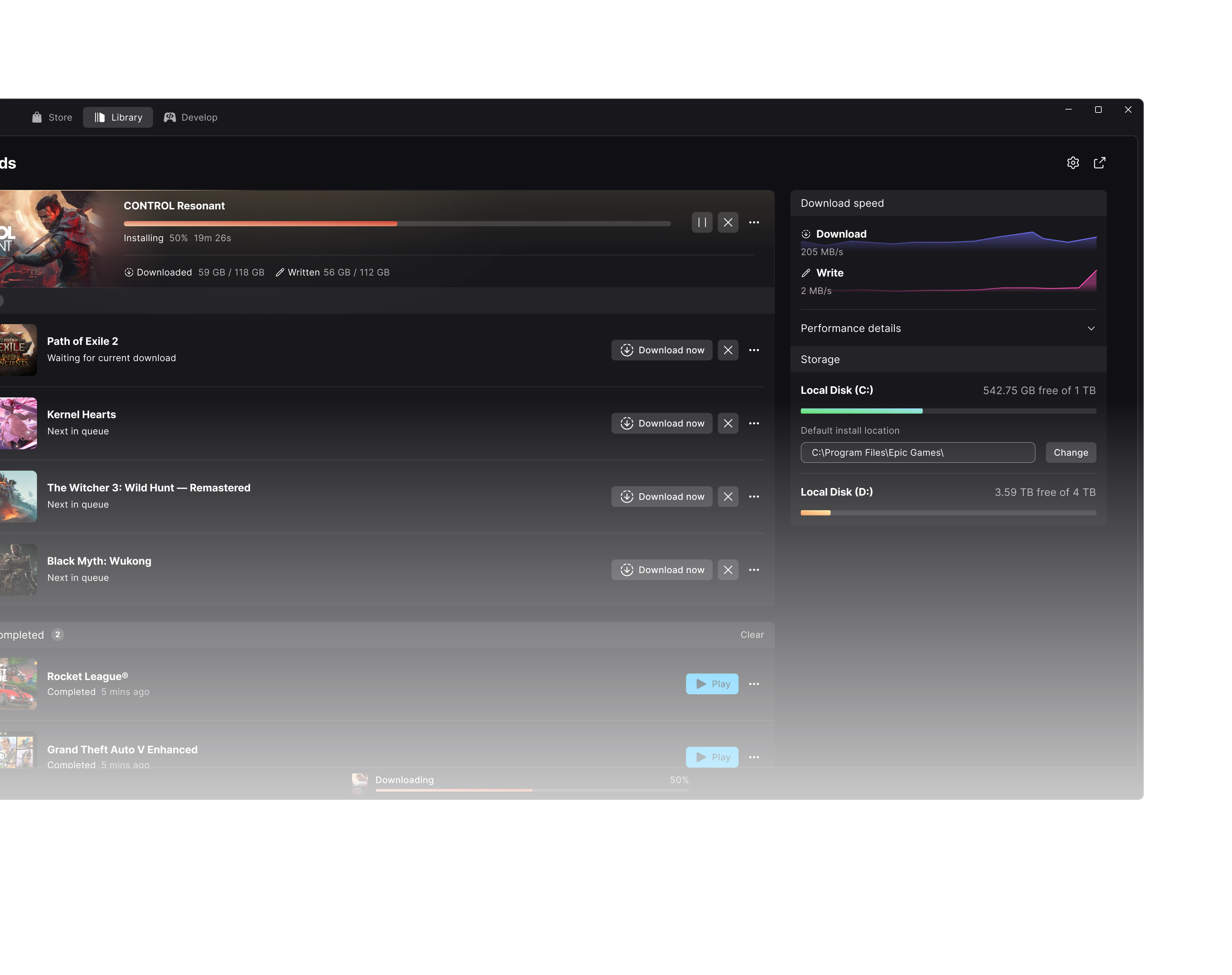
Game pages and downloads Always know what’s going on.
Track downloads, check for updates, and catch up on game activity, all in one place.
1.2x faster from the background to your library than Steam*
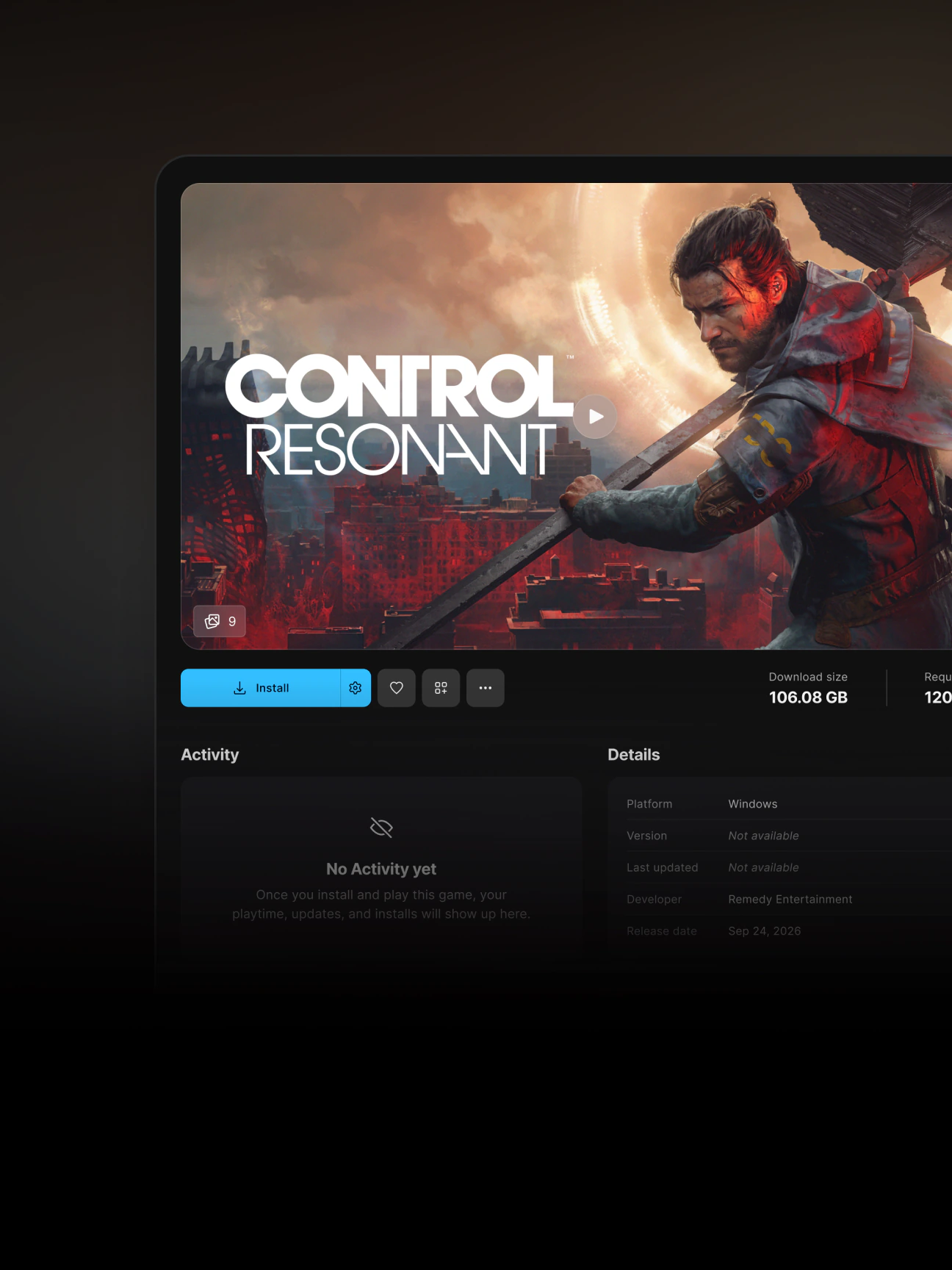
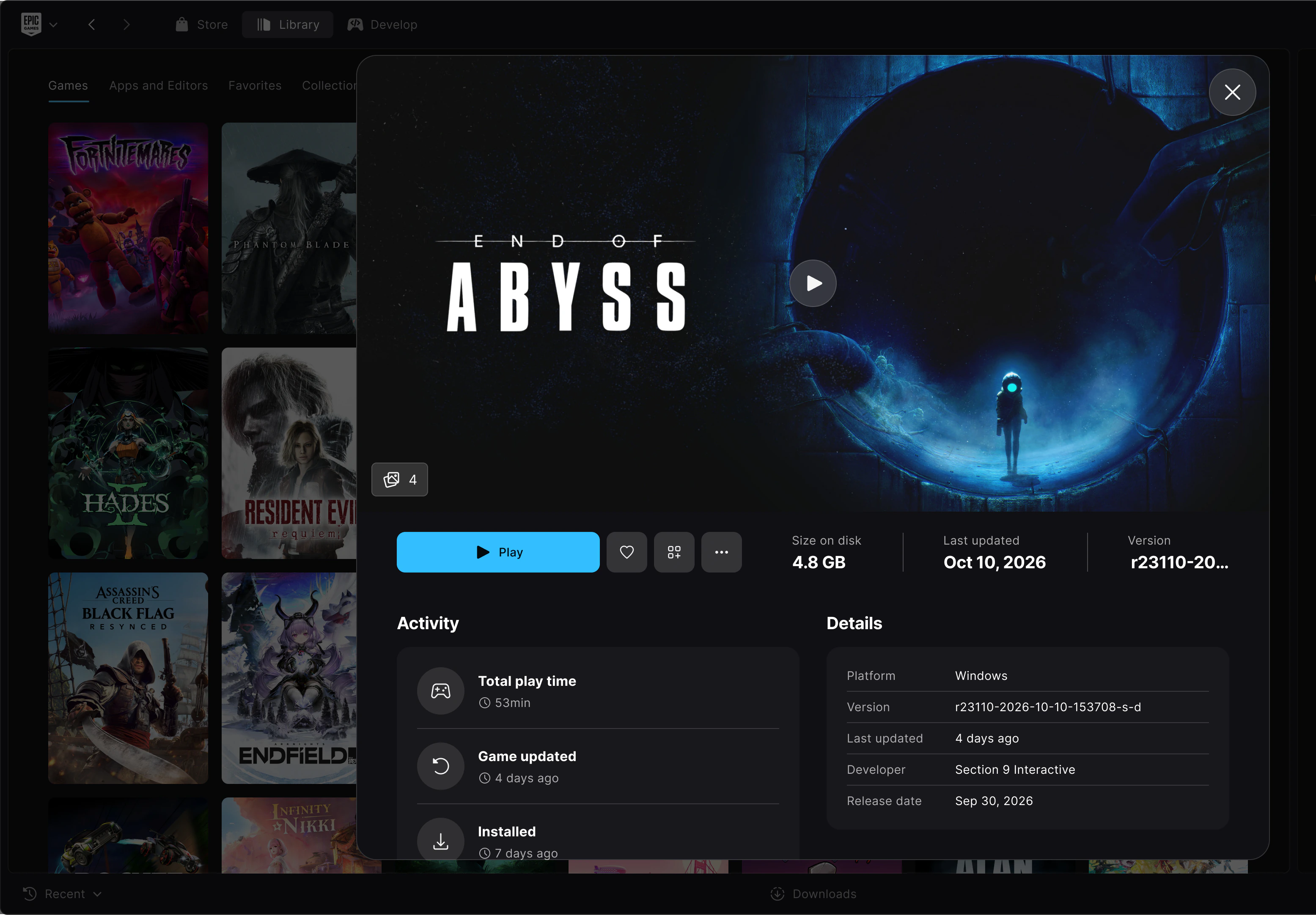
A page for every game
Find game status, play controls, and add-ons in one place.
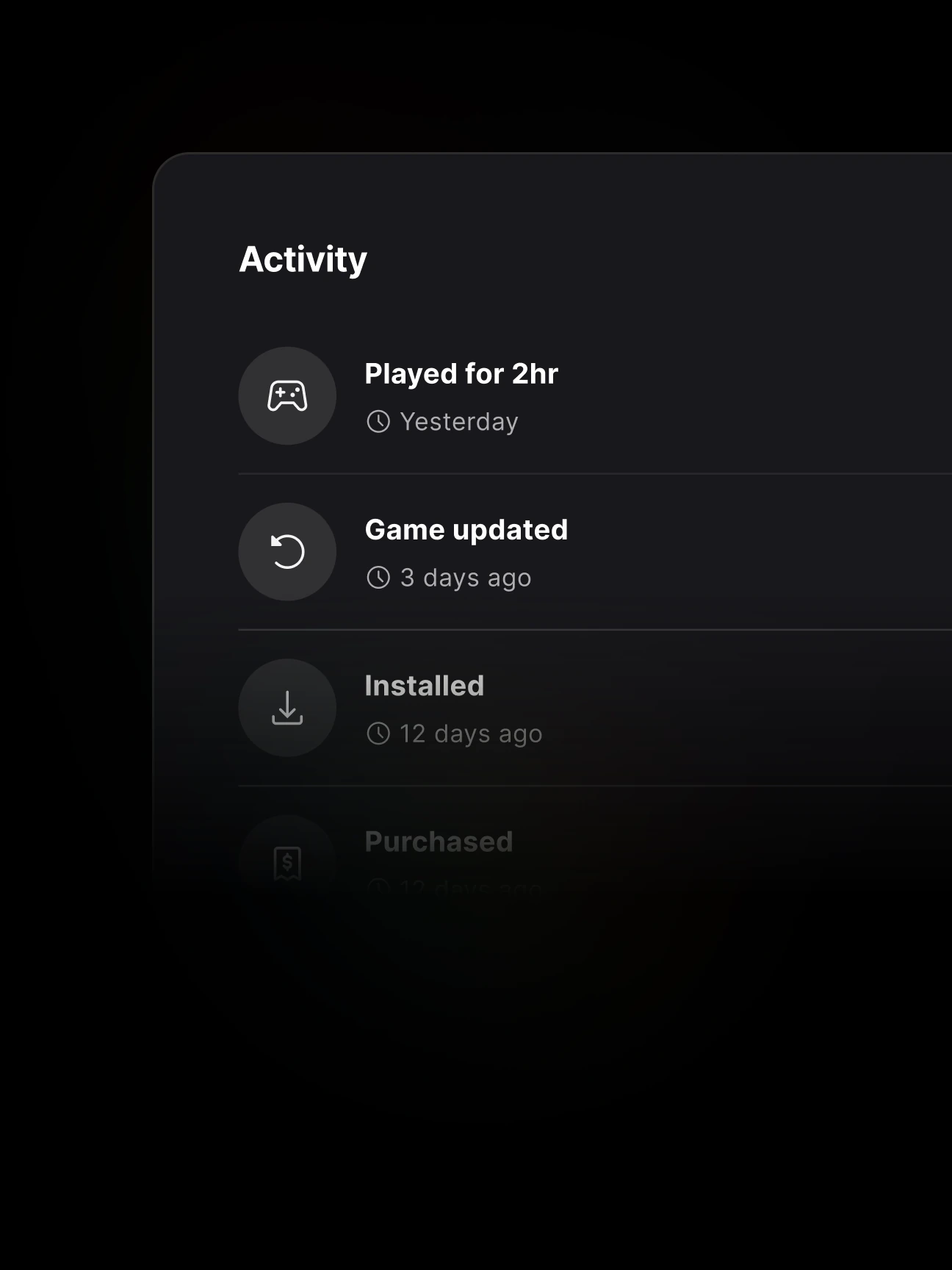
Since you last played
Catch up on playtime, updates, and installs in the activity feed.
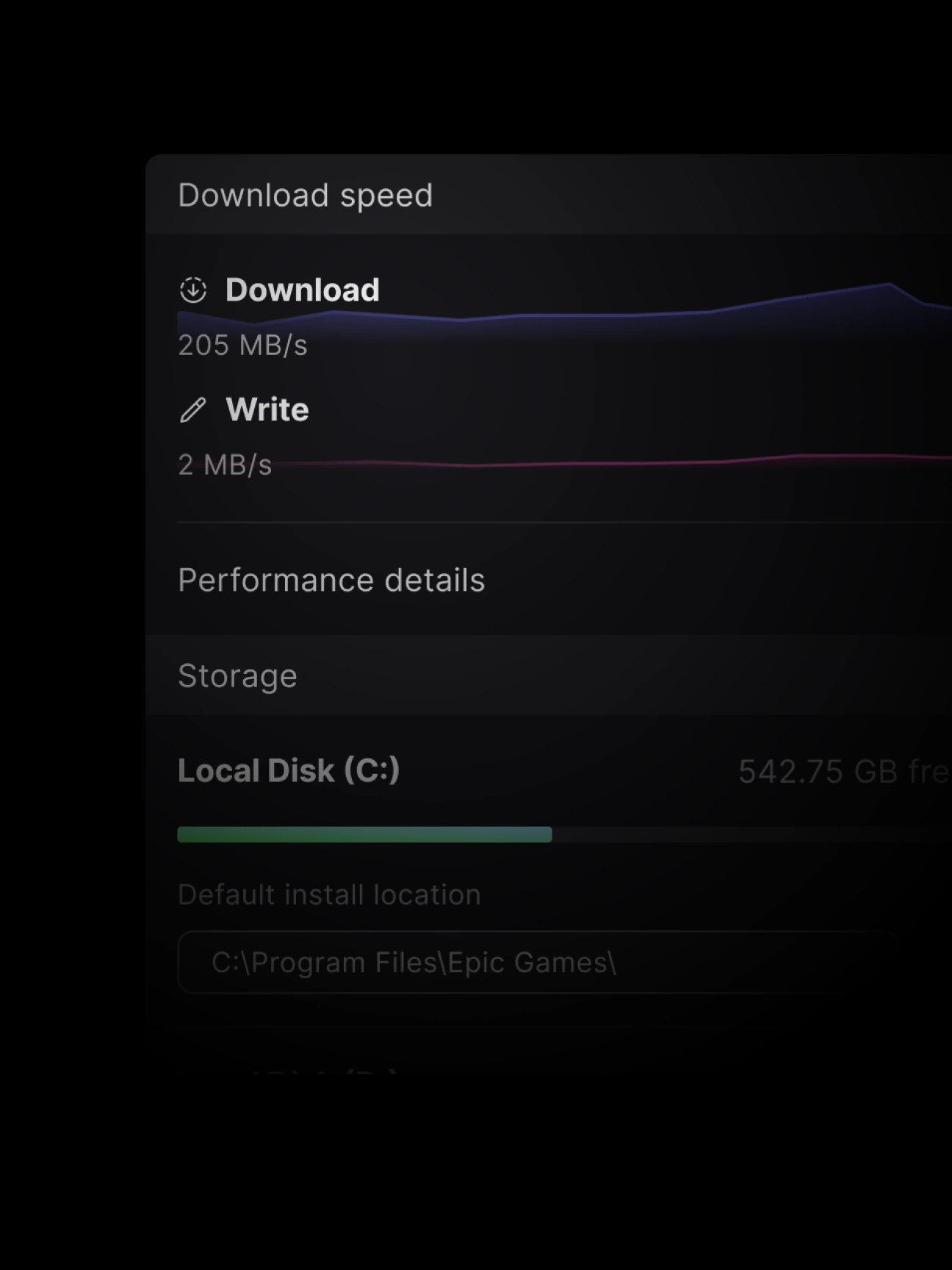
Live speeds
Track download, read, and write speeds while your game installs.
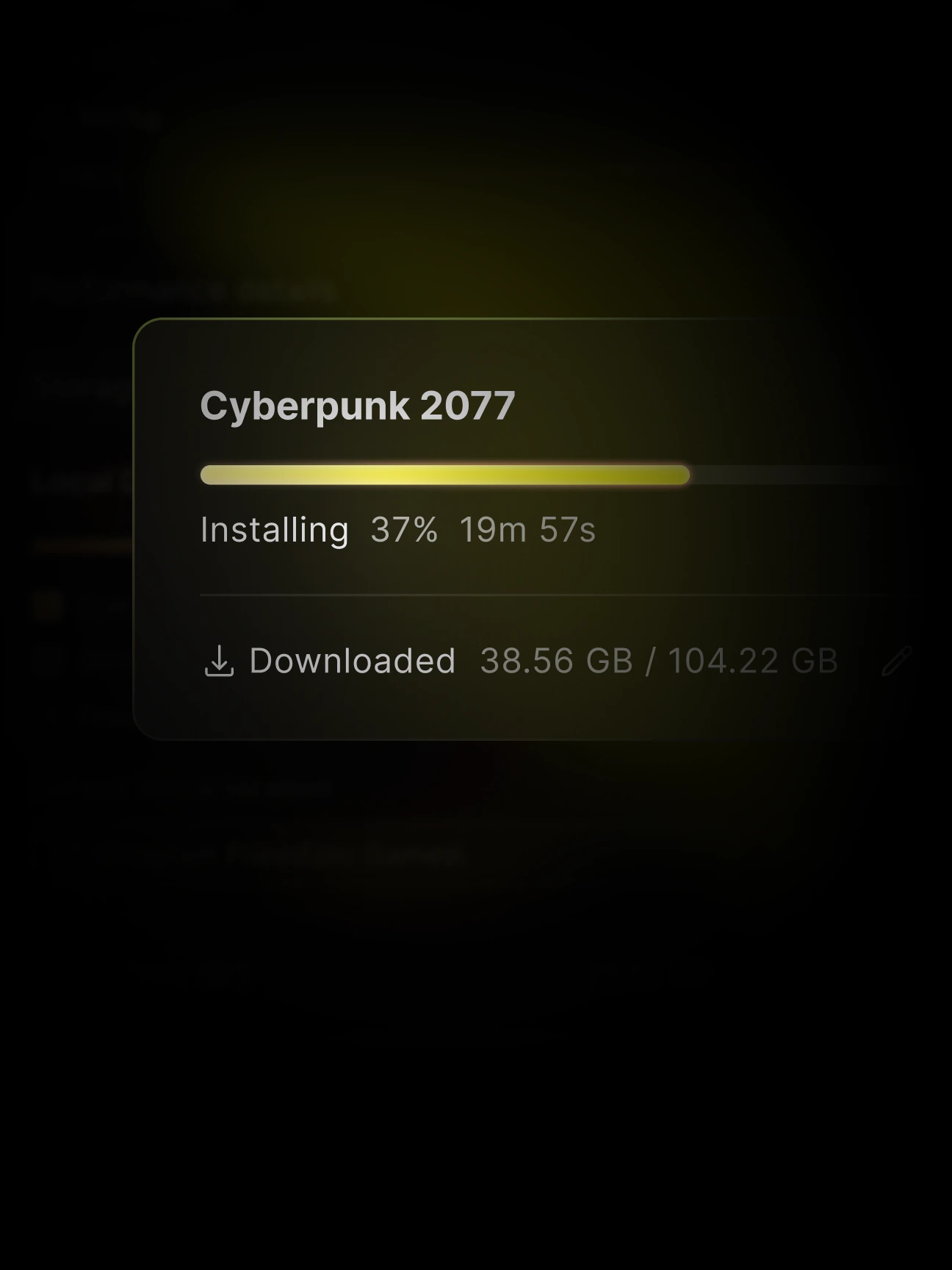
Every download in one place
View active, queued, scheduled, and failed downloads, with progress for each game.
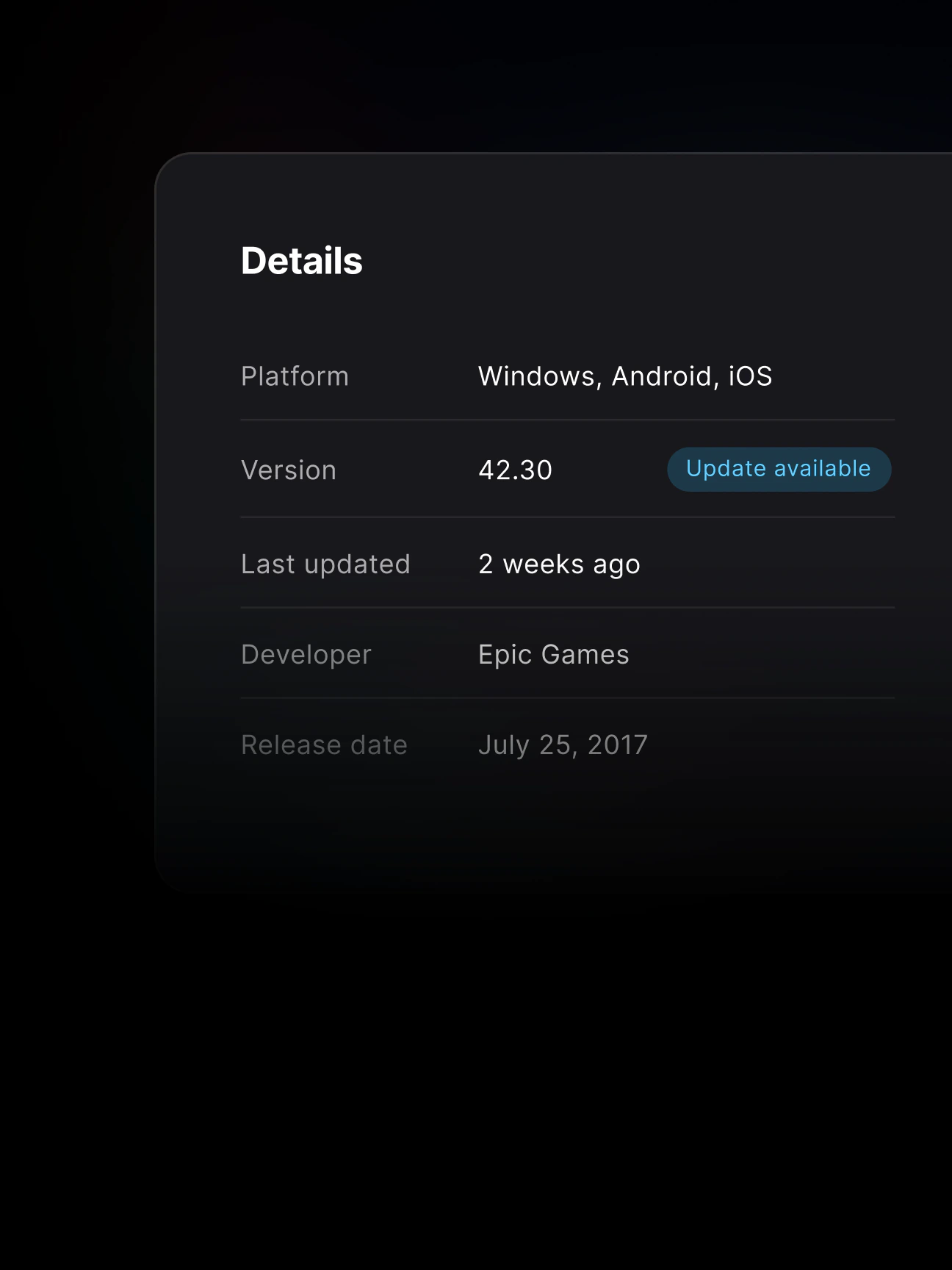
Up to date? You’ll know.
Check update status on game pages and in your downloads.

[03] Library load time
Library, 30x faster Browse and organize your way.
Switch between Details and Grid views, search as you type, and group games into visual collections. Hide what you don’t play. Your games, your rules.
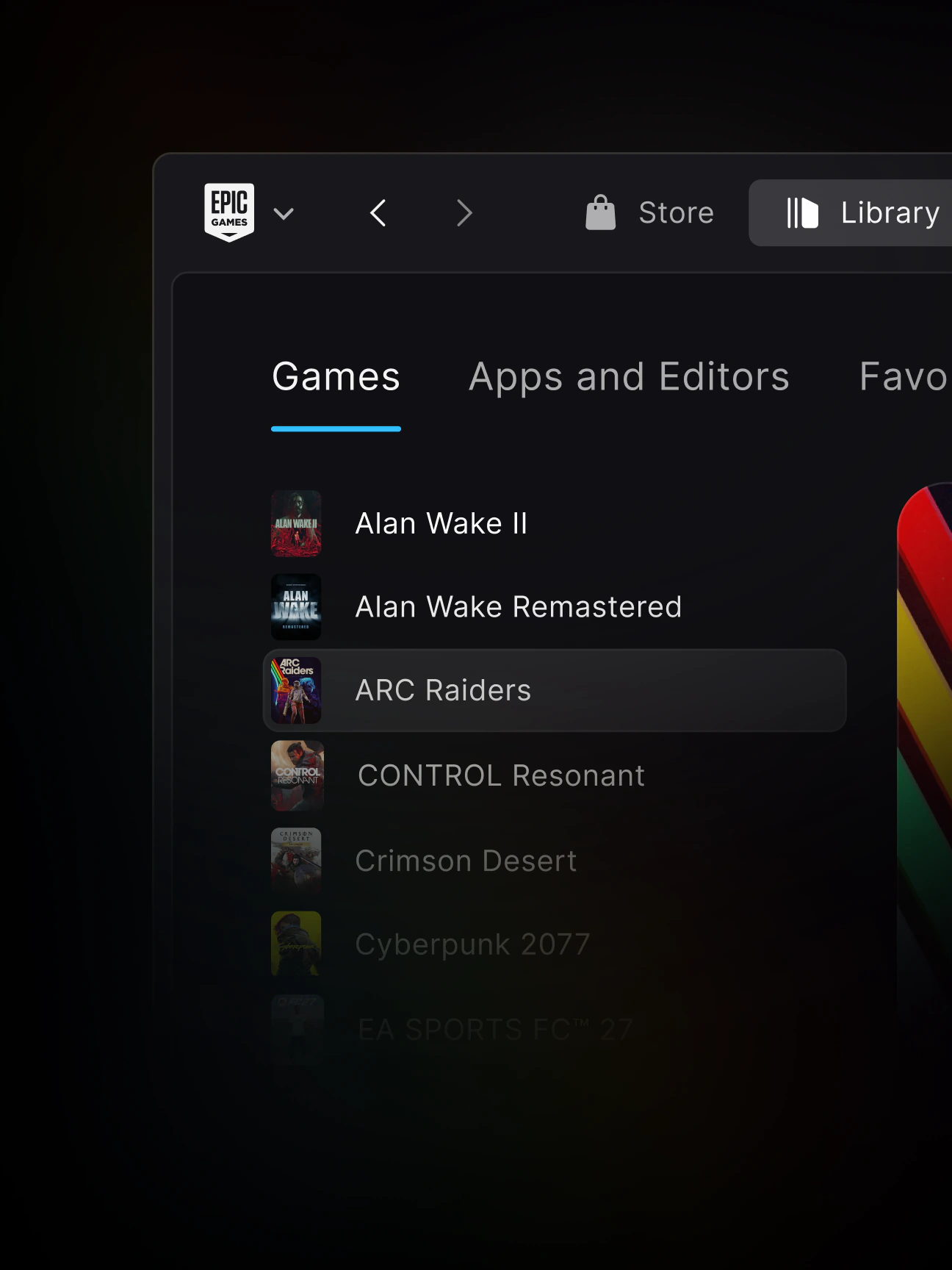
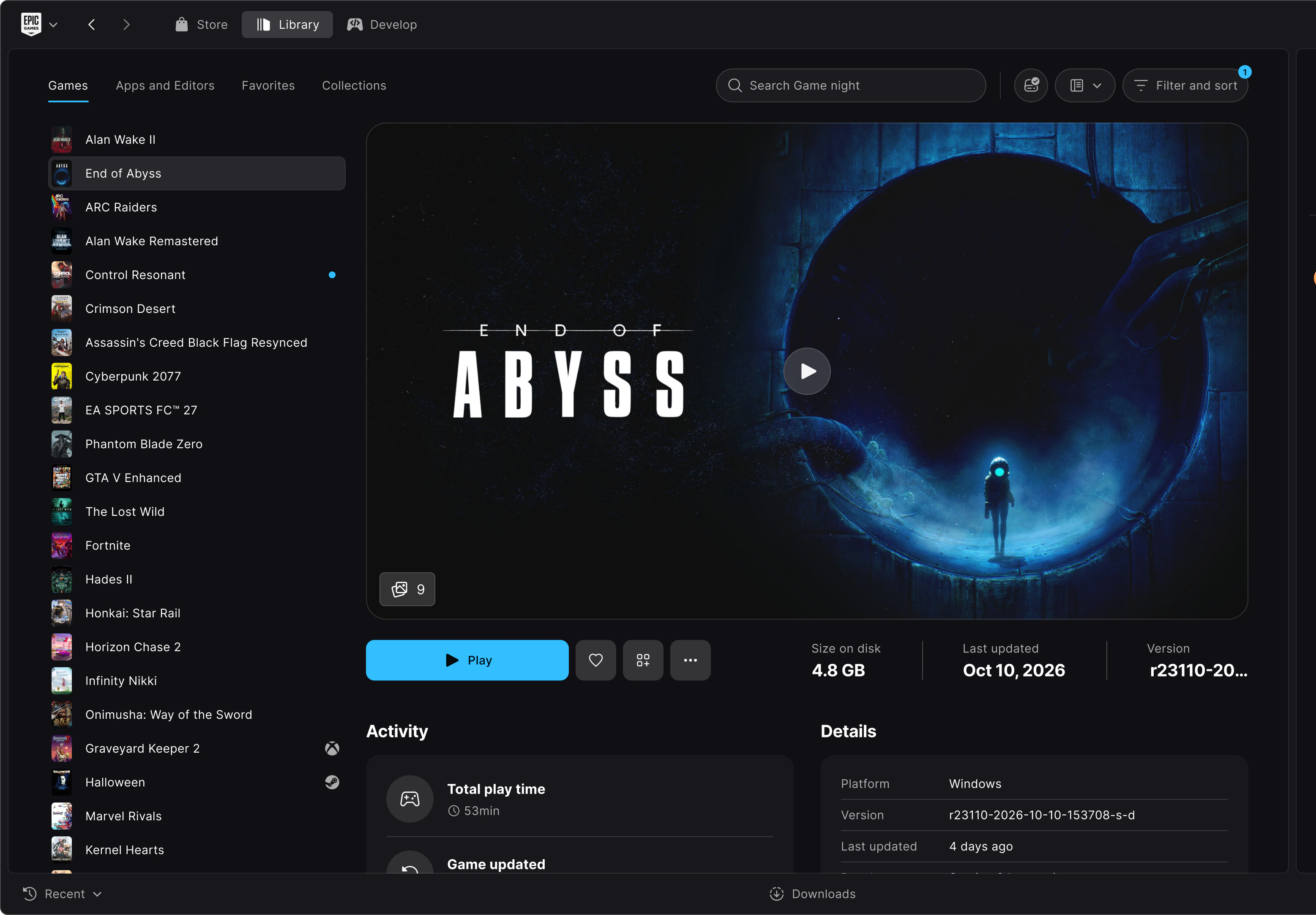
A new Details view
Your games on the left, the selected game’s page on the right. Switch without losing your place.
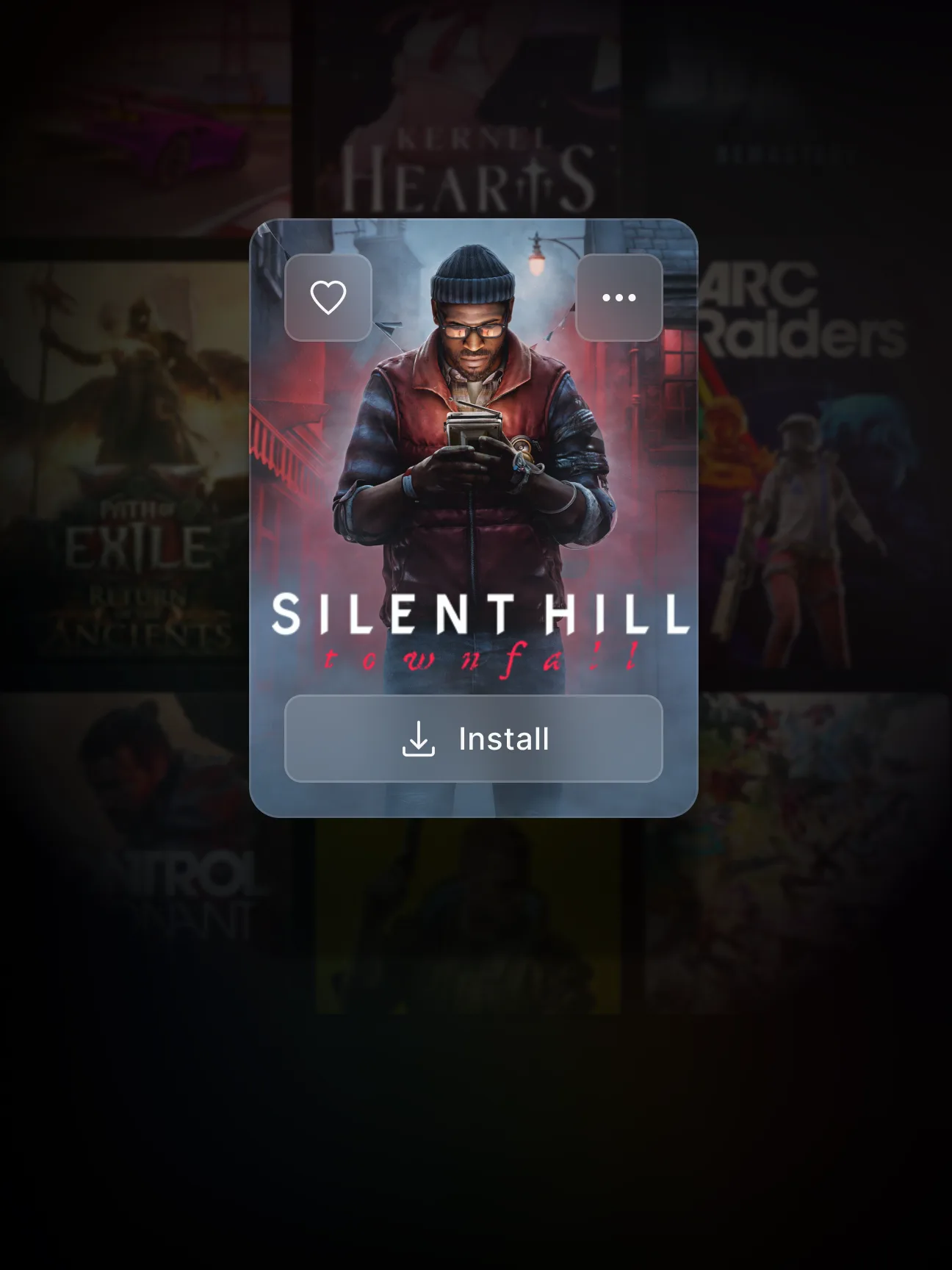
An improved Grid view
Tiles show game art and status. Select one to open its page over the grid.
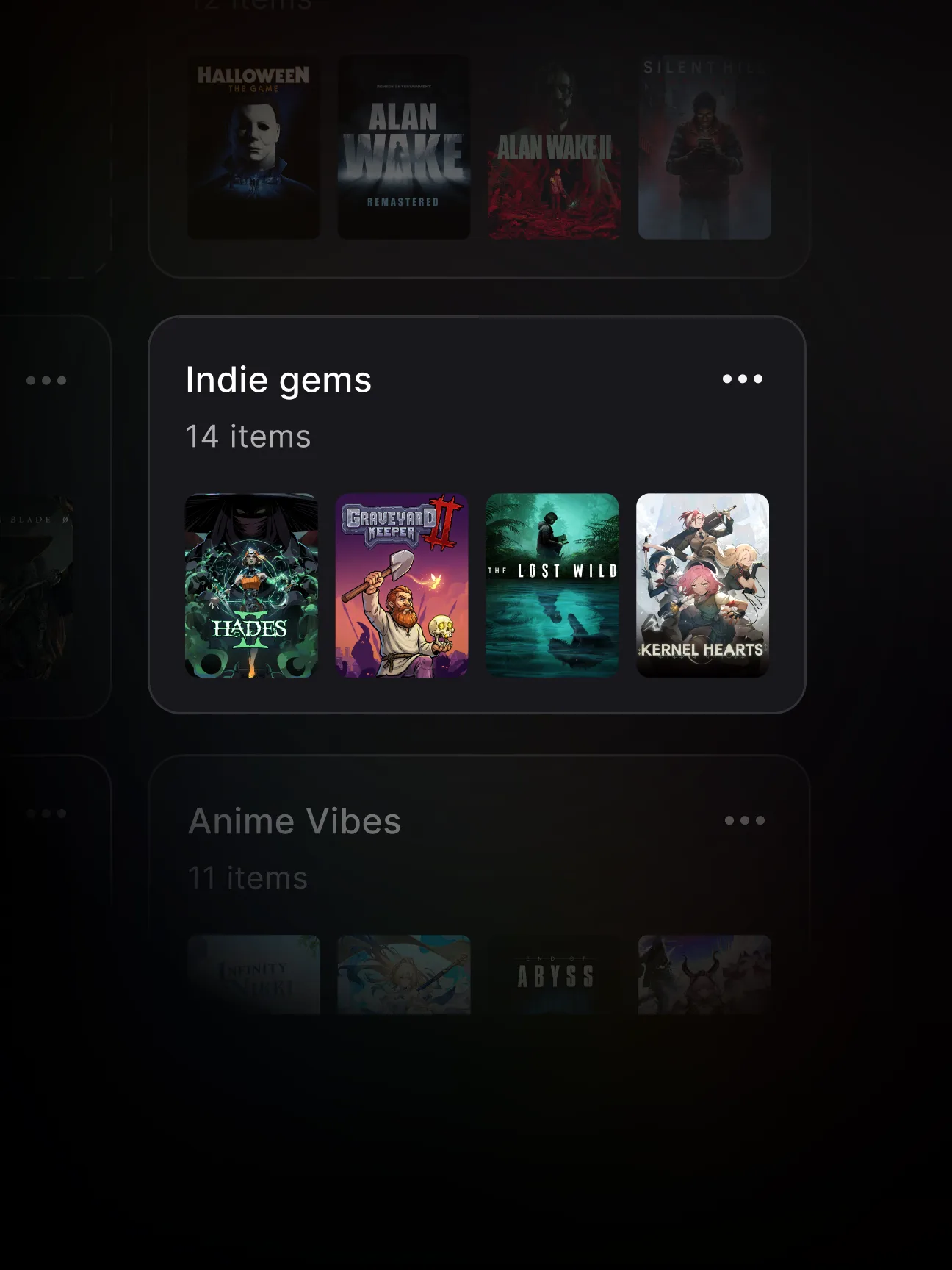
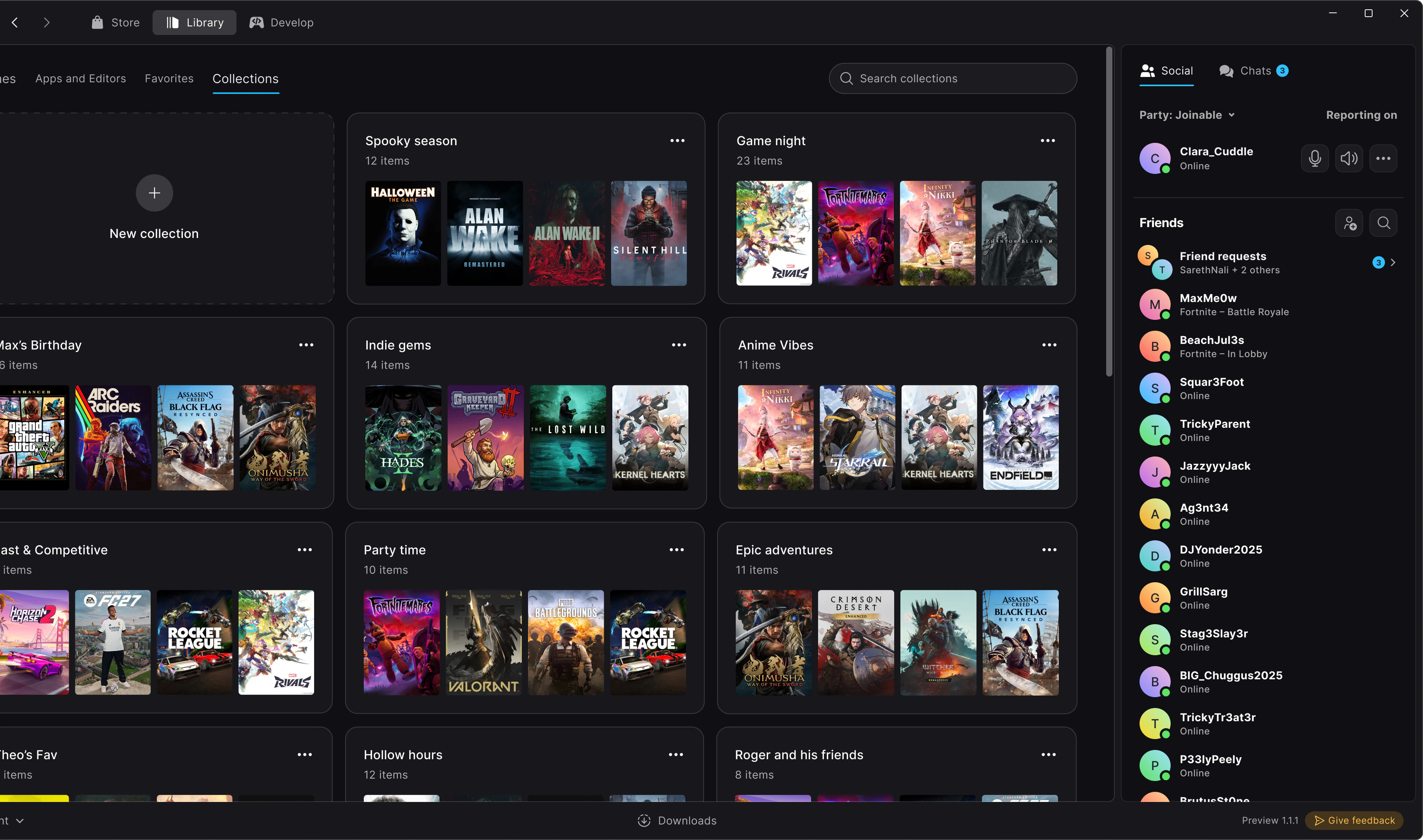
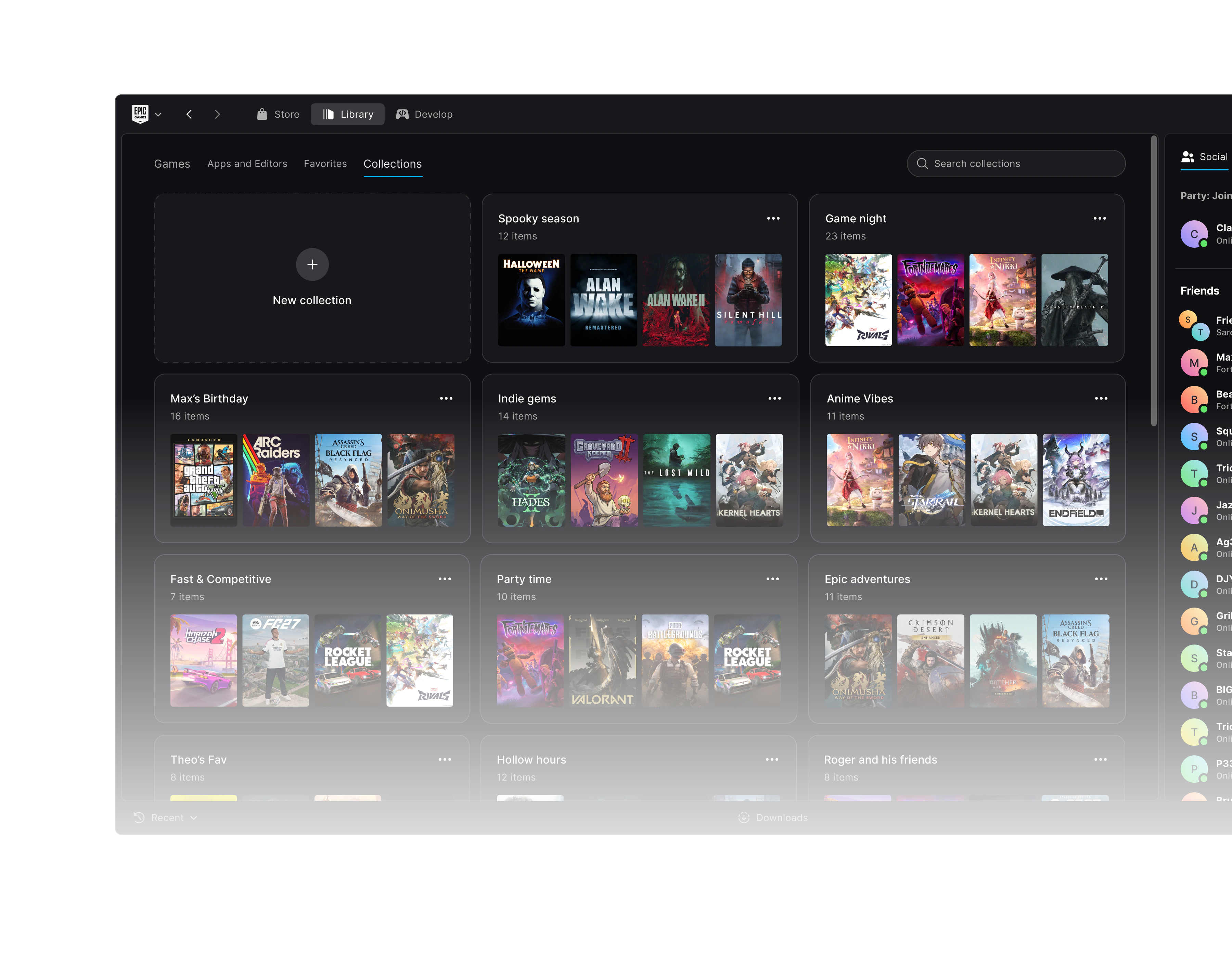
Visual collections
Group games your way. Collections show game art, so you can spot them easily.
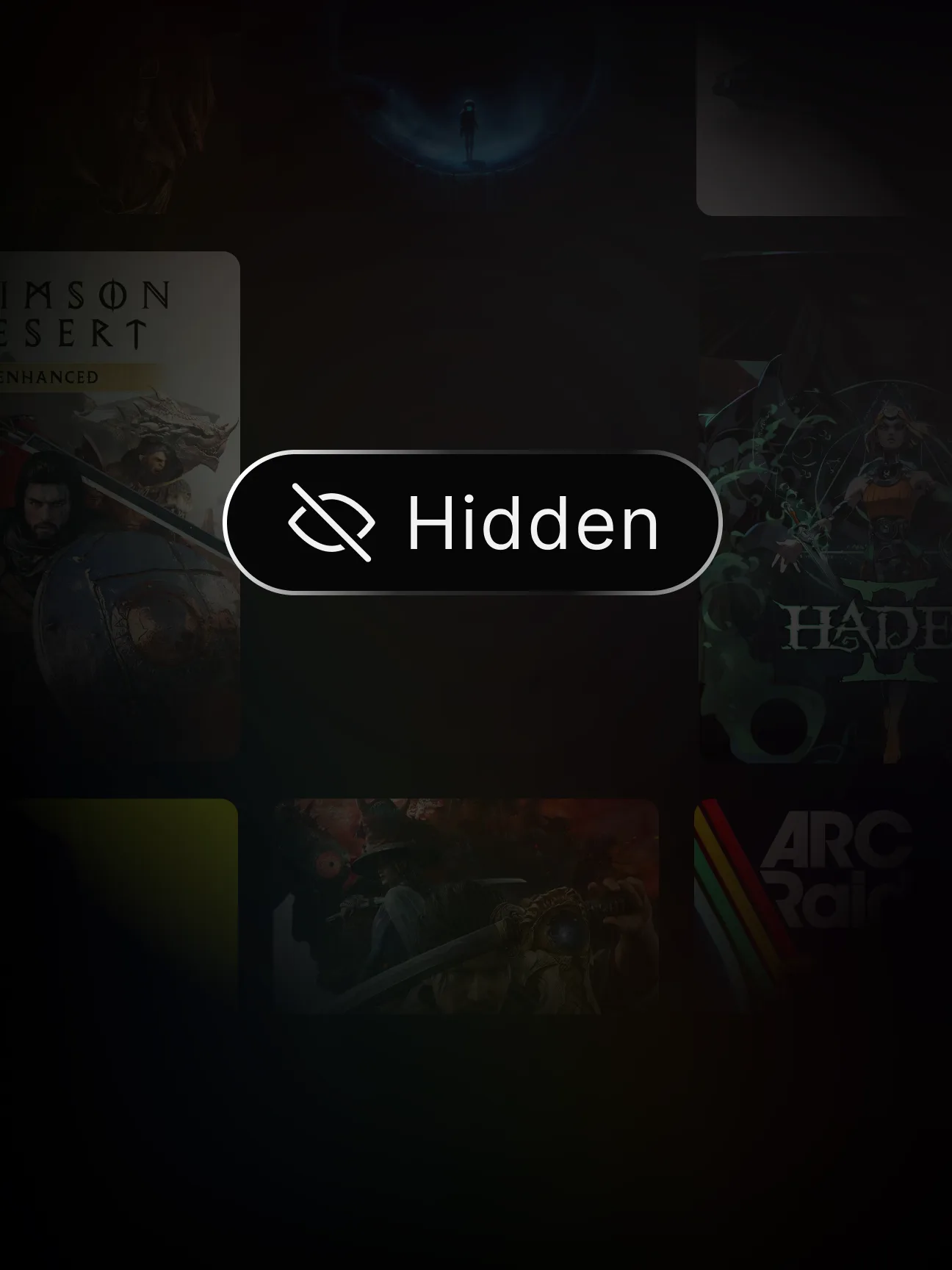
Hide what you don’t play
Keep your library focused. Bring hidden games back anytime.
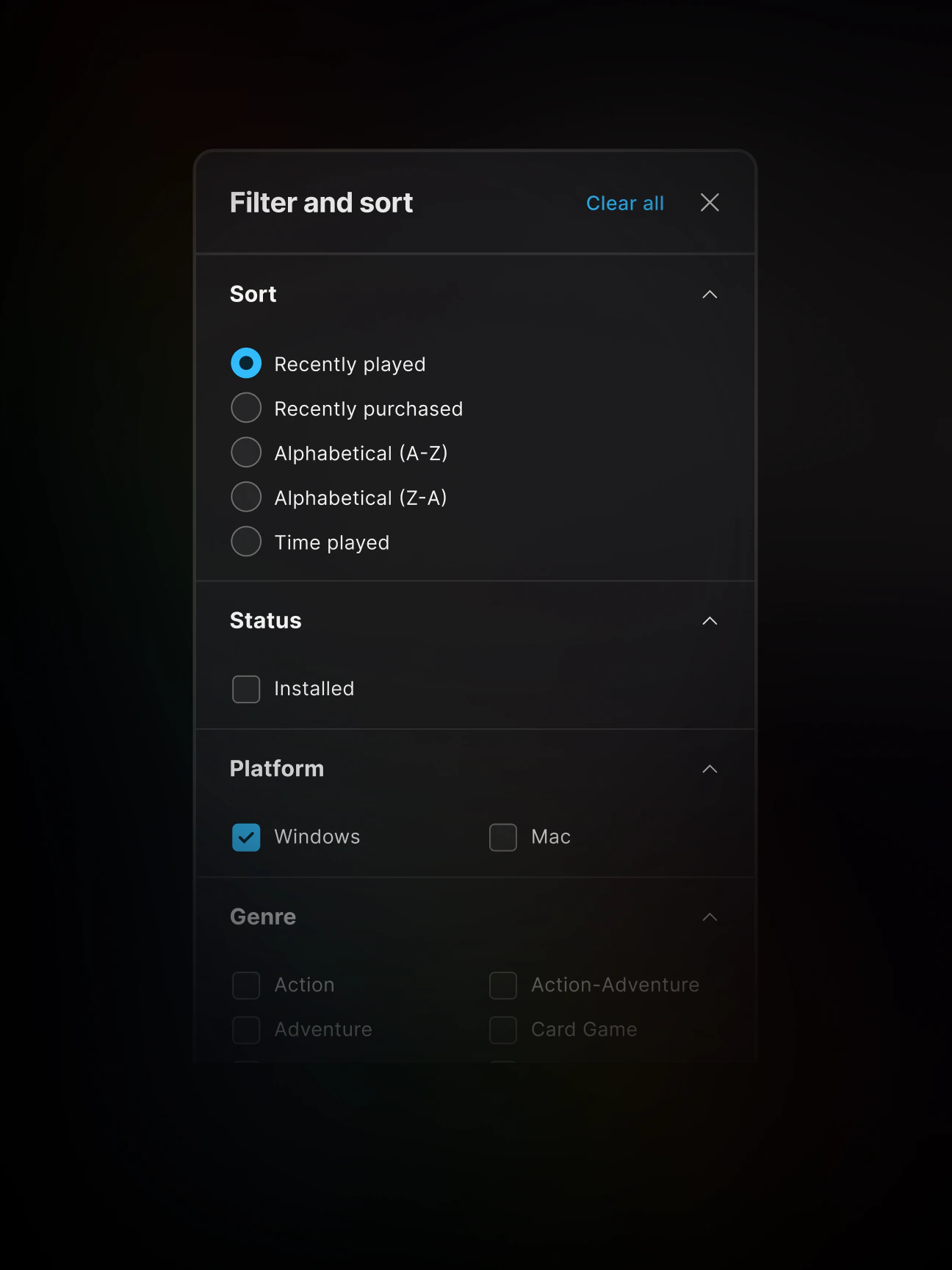
More ways to filter and sort
Sort your games, then narrow them down by platform, genre, and more.
Ready to try it?
The launcher is still in Preview, so some features may not work as expected.
- Step 1
DownloadSend it to your computer
Get the installer for your computer.Send the link to the computer you’ll install on.
- Step 2
Install and exploreInstall on your computer
Open the installer, sign in, and explore your library.Open the link there, run the installer and sign in.
Please note: Trying the new Epic Games Launcher will automatically uninstall the legacy version.
- Step 3
Give feedback
Found a bug or have an idea? Use the Send feedback button in the launcher, or reach us on Discord, the EDC forums, or Player Support.

Good questions. Early answers.
Didn’t find your answer?Ask us on Discord (opens in a new tab), the EDC forums (opens in a new tab), or Player Support (opens in a new tab).